
A guide for adult creators
How to Make Your First AI Video
To make your first AI video, choose text or an authorized image, write one visible action and select an available model. Check the credit estimate, generate the shot and review playback before another attempt.
Choose the input that gives you a useful start.
Text to Video creates the composition and movement from your words. Choose it when you want to invent an adult fictional character or a new setting and do not have a source image.
Image to Video uses an authorized still to guide the opening appearance. Choose it when you already have the character or composition. A reference can help with the look, but likeness and details can drift during motion.
For an adult or NSFW AI video project, every depicted person must be an adult. Check source rights, consent and the selected model's content rules before starting. The content guidelines explain these checks.
Find the look, then decide what moves.
A still helps you explore the character and composition. A video lets you review the action and how the frame changes over time.
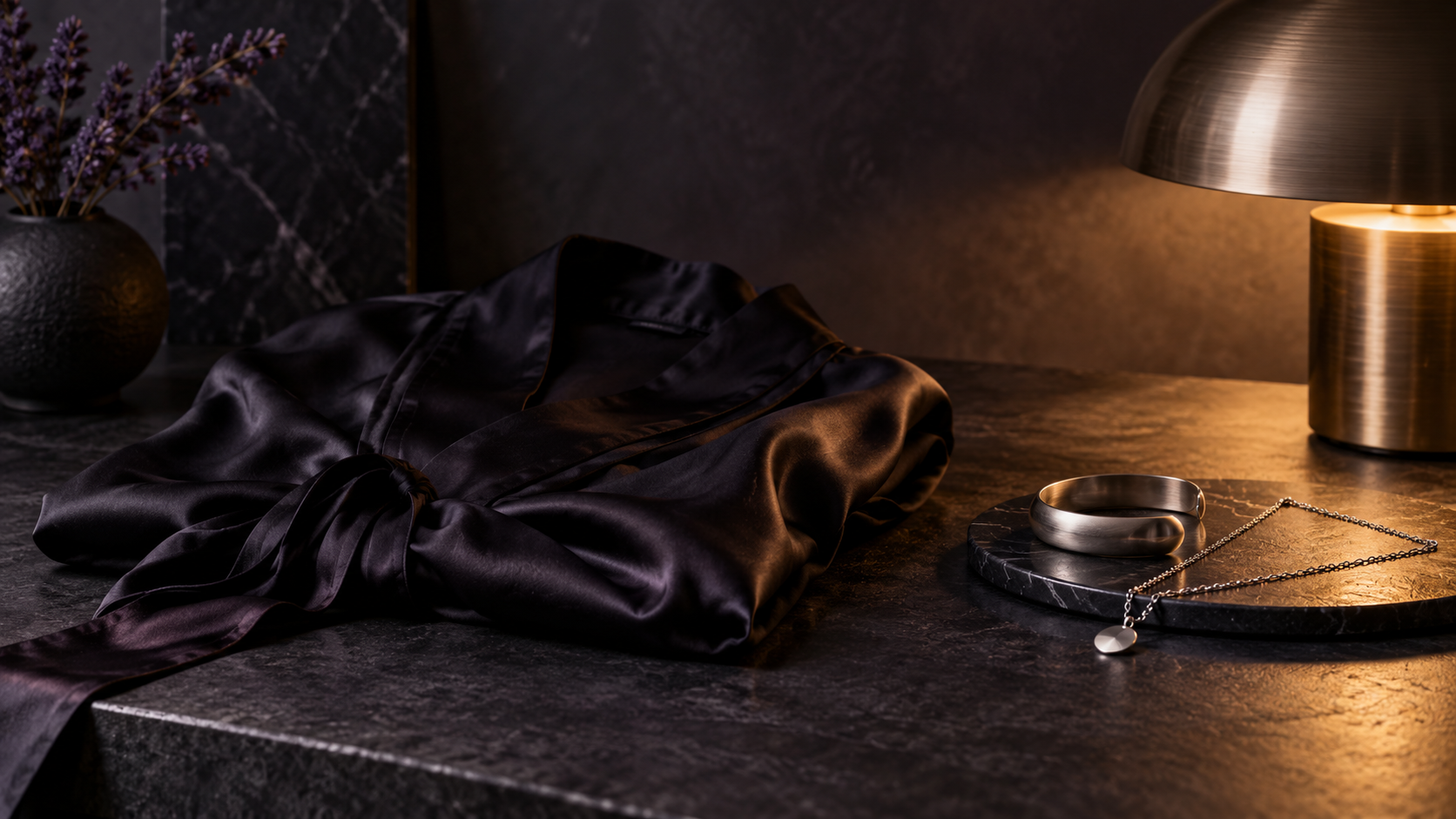 Still frame
Editorial reference · not a generated sample
Opening frame
Explore an opening composition.
Try a fictional adult character, a setting and its light as a still. Choose a frame that leaves space for the action you want to add.
Explore an imageReview playback in the creator or History
Motion check
Use video to check the movement.
Follow the task in the creator, then watch the beginning, middle and end of the available result before directing another take.
Animate an imageCreate, review and revise your first shot
Choose the input that suits your scene
Use Text to Video to invent the composition from words. Use Image to Video when an authorized still already gives you the look. Confirm adult age, consent and the selected model's rules before starting an adult project.
Give the first shot one clear action
Write the subject and setting, then add one movement and a camera direction. Choose an available model and output settings. Review the credit estimate and your balance before you generate.
Review the take before directing another
Open the task in History. Watch the beginning, middle and end for the action, likeness and framing. Change one instruction for the next attempt, and check source and usage rights before sharing.
Use a prompt formula you can revise.
Start with the subject and setting. Add one action, then a camera direction. Include only the visual details that affect the shot. In image-to-video, spend the prompt on what changes from the image.
A clearly adult fictional performer in a tailored black suit walks three measured steps through a quiet backstage corridor, stops beside a warm practical light and looks toward the camera. A slow sideways camera move, one continuous shot.
This original writing example gives you two checks: does the walk finish, and does the camera keep the subject in frame? It is not a generated sample. Use this prompt in Text to Video and adapt it before submitting.
Revise the instruction that matches the problem.
If the walk becomes inconsistent, try a single step or a small turn. If the subject leaves the frame, simplify the camera move. Keep the other settings steady so the next take tells you whether that change helped.
Read the setup before you generate.
Create an account and sign in to receive 25 free Credits. Start with one focused request so you can judge the action before spending more credits on variations.
Choose the model's available duration, frame shape and other output options. For an image-led request, check the upload requirements too. The controls establish what the setup supports; a prompt cannot add a missing setting.
Compare the full request estimate with your signed-in balance. Visit AI video pricing and credits if you need to compare offers. Plan for revisions: a new attempt can require additional credits.
Watch the clip in three passes.
You can practice this review with the AINSFW Video sample scenes and the sample player in Studio. They are generated videos, while the prompt above is a separate writing example; it is not a record of the sample's original request.
- Action: watch the beginning, middle and end. Check that the intended movement happens and reaches a useful ending.
- Appearance: inspect faces, hands, clothing and background objects for changes that make the clip unsuitable.
- Framing: check the crop, subject position and camera movement. Decide whether the result leaves the space your next use needs.
Choose the next take after checking the task.
Find the request in History. A paused status check can leave generation running, so confirm the original task before submitting another. If playback fails, try the available download or read task recovery help.
For a completed clip, choose the one change most likely to improve the shot. A simpler action, a steadier camera or a better source crop can make the next result easier to assess than adding more instructions at once.
Review the result before sharing it.
Inspect the complete clip for unintended details and third-party material. Check your source permissions and applicable model and plan terms before publishing or selling it. Generation alone does not clear a person's likeness or commercial rights; the Terms explain your responsibilities.